Fast Path ⚡
A downloadable tool for Windows
Fast Path is a calm, explainable project scanner for developers who want awareness.
It analyzes a local repository and produces a human-readable report about:
- project structure
- dependency posture
- implicit assumptions
- configuration drift vs real danger
Fast Path never installs packages, never touches the network, and never modifies your project.
✨ Philosophy
Most tools answer:
“Is this correct?”
Fast Path asks:
“What is being assumed here — and how risky is that?”
Key principles:
- 🧠 Explainable – every warning has a reason
- 🧭 Context-aware – forks, containers, and meta-repos are not treated as broken apps
- 🤝 Human-in-the-loop – users can override project posture
- 🎨 Readable under pressure – color and structure guide understanding
- 🔒 Safe by default – read-only, offline, local
🖥️ Features
📂 Structure Awareness
Fast Path reports (does not enforce) the presence or absence of:
pyproject.tomlrequirements.txtREADME.md.git/src/tests/docs/
📦 Dependency Insight (Lightweight)
If requirements.txt exists:
- parses declared dependencies
- detects pinned vs ranged vs floating versions
- checks whether dependencies are installed locally
- flags obvious portability risks
No installs. No upgrades. No network access.
🧠 Assumption Detection
Fast Path explicitly lists inferred assumptions, such as:
- directories assumed to exist
- dependencies assumed to be managed externally
- optional dependencies assumed available
🚦 Risk Model: Drift vs Danger
Fast Path distinguishes between:
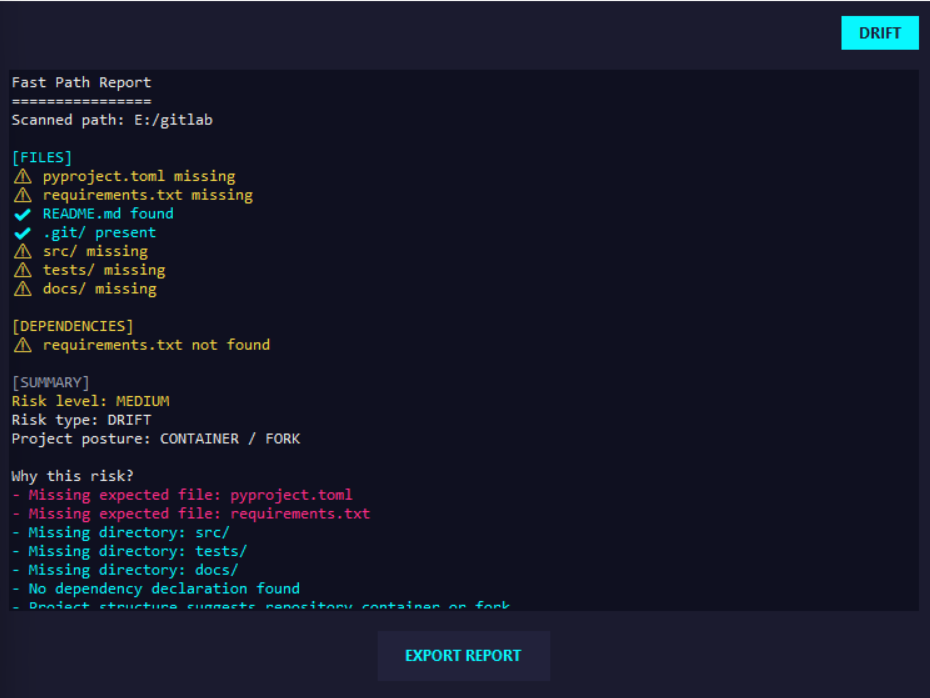
- DRIFT – structural divergence, aging constraints, context mismatch
- DANGER – missing runtime dependencies or unstable assumptions
A clear risk level (LOW / MEDIUM / HIGH) is provided with an explanation.
🧭 Posture Override
Users can tell Fast Path how to interpret the repo:
- Application
- Container / Fork
- Library
- Infra / Meta
This prevents false alarms and keeps humans in control.
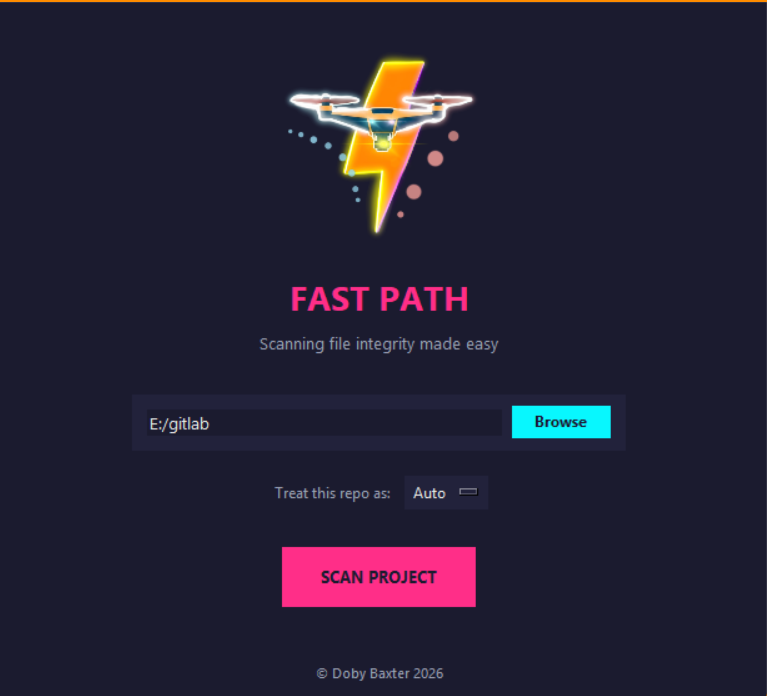
🪟 GUI
- Synthwave-inspired, low-noise interface
- DRIFT / DANGER badge in report header
- Color-coded sections and risk reasons
- Exportable reports
Fast Path is also suitable for future CLI or CI usage.
🔒 Safety & Privacy
Fast Path:
- runs entirely locally
- performs read-only analysis
- makes no system changes
- does not send or collect data
🛠️ Tech Stack
- Python
- tkinter (GUI)
- PyInstaller (packaging)
📄 License
MIT License
✍️ Author
Doby Baxter
2026
Fast Path was built to encourage clarity, responsibility, and care in growing software systems.
Download
Leave a comment
Log in with itch.io to leave a comment.