IRA - Interface for Responsive Access
A downloadable tool for Windows
IRA is a Firefox browser add-on that lets you choose how a web page adapts to your current goal — without tracking, machine learning, or hidden automation.
Also accessible directly on: Firefox
✨ What IRA Does
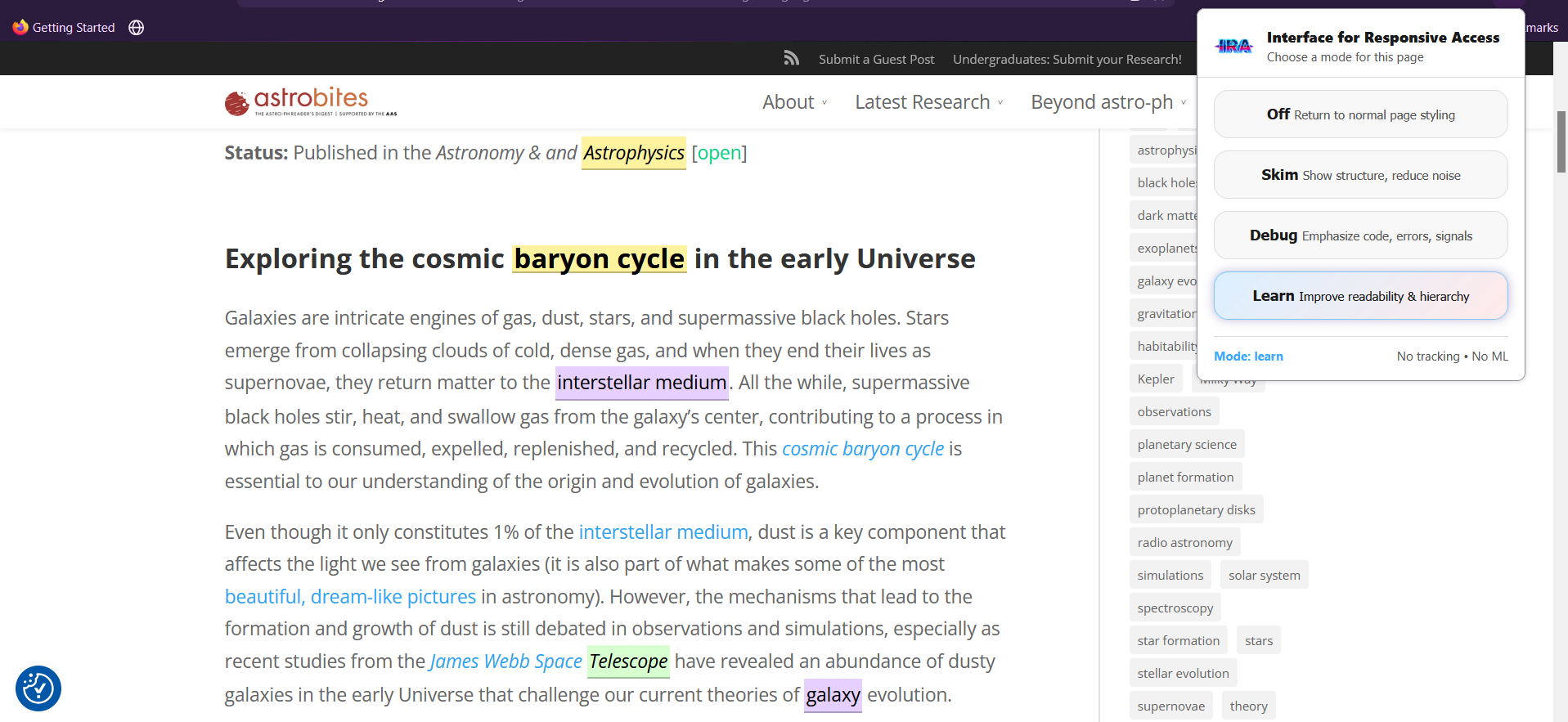
IRA provides three explicit reading modes you can switch at any time:
-
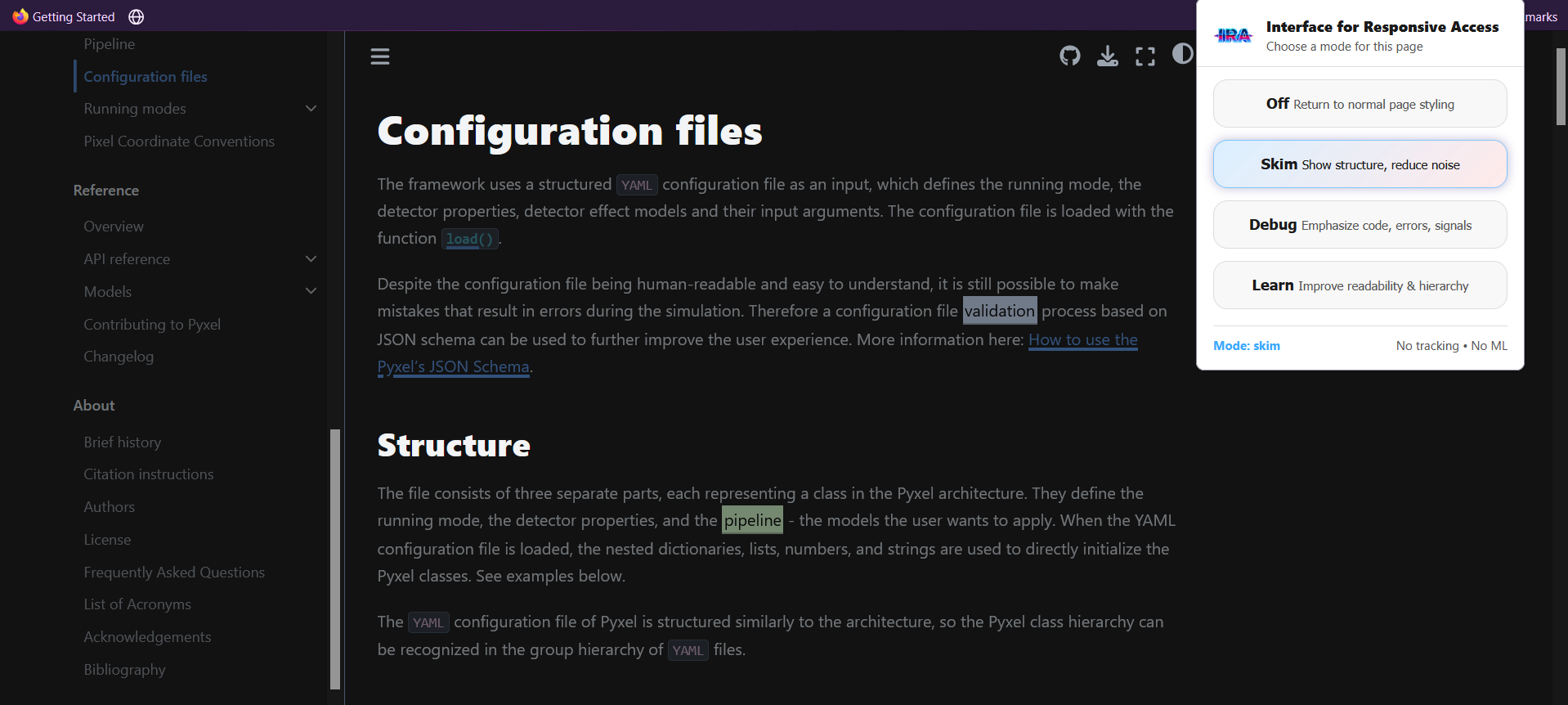
Skim
Emphasizes page structure and headings while reducing visual noise.
Ideal for scanning documentation or long articles. -
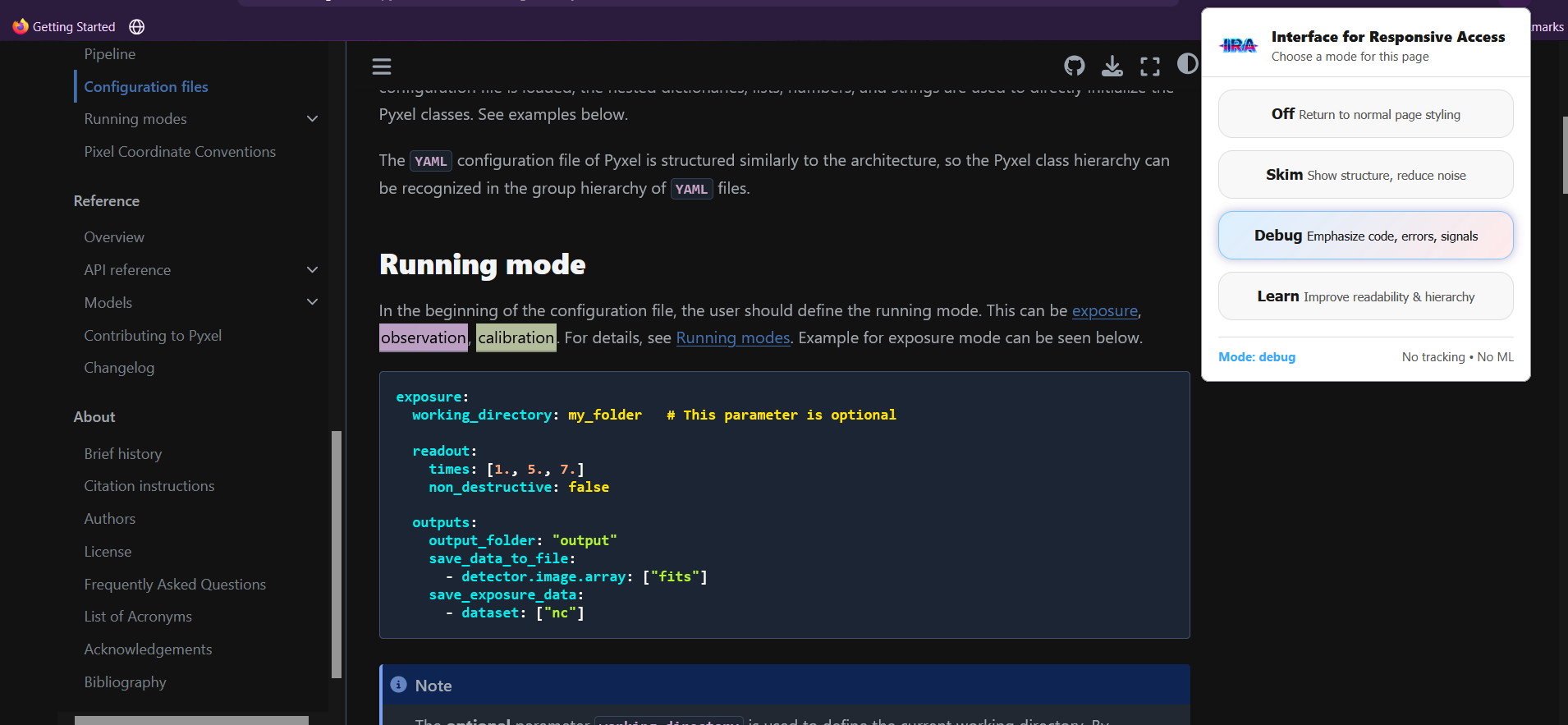
Debug
Prioritizes code blocks, technical signals, and errors.
Designed for troubleshooting, reviewing logs, or reading developer documentation. -
Learn
Improves readability through spacing, line length, and hierarchy.
Supports slower, lower-fatigue comprehension.
All modes are applied using CSS only and can be turned off instantly.
🌱 Design Principles
IRA is intentionally minimal and ethical by design:
- CSS-first — no content rewriting, no summaries, no hallucinations
- No machine learning — predictable, transparent behavior
- No tracking — no analytics, no telemetry, no remote calls
- User-declared intent — the reader chooses, not the tool
- Neurodiversity-friendly — structure, spacing, and contrast over color
IRA adapts presentation, not meaning.
🧩 How It Works (High Level)
- IRA injects a small, universal CSS layer into pages
- Selected modes toggle semantic class names on the document root
- Each mode adjusts layout, emphasis, and spacing without assuming light or dark themes
- The chosen mode is stored locally and reused on subsequent pages
No external services are involved.
🖱️ Usage
- Click the IRA toolbar icon
- Choose one of the modes: Off, Skim, Debug, or Learn
- The selected mode is applied immediately to the current page
- The last selected mode is reused on newly opened pages
You can switch modes at any time.
Download
Install instructions
Installation
Firefox only
Firefox may show a security prompt — this is normal.
- Download
ira.xpi- Open Firefox
- Go to
about:addons- Click the gear icon → Install Add-on From File
- Select the
.xpifile
Notes
- IRA does not collect data
- No telemetry, analytics, or external API calls
- All concept definitions are stored locally
- This is a stable release, not a demo
Leave a comment
Log in with itch.io to leave a comment.